Aapli Homepage
After a successful login, the user will be directed to the Aapli Home page, which offers the following options:
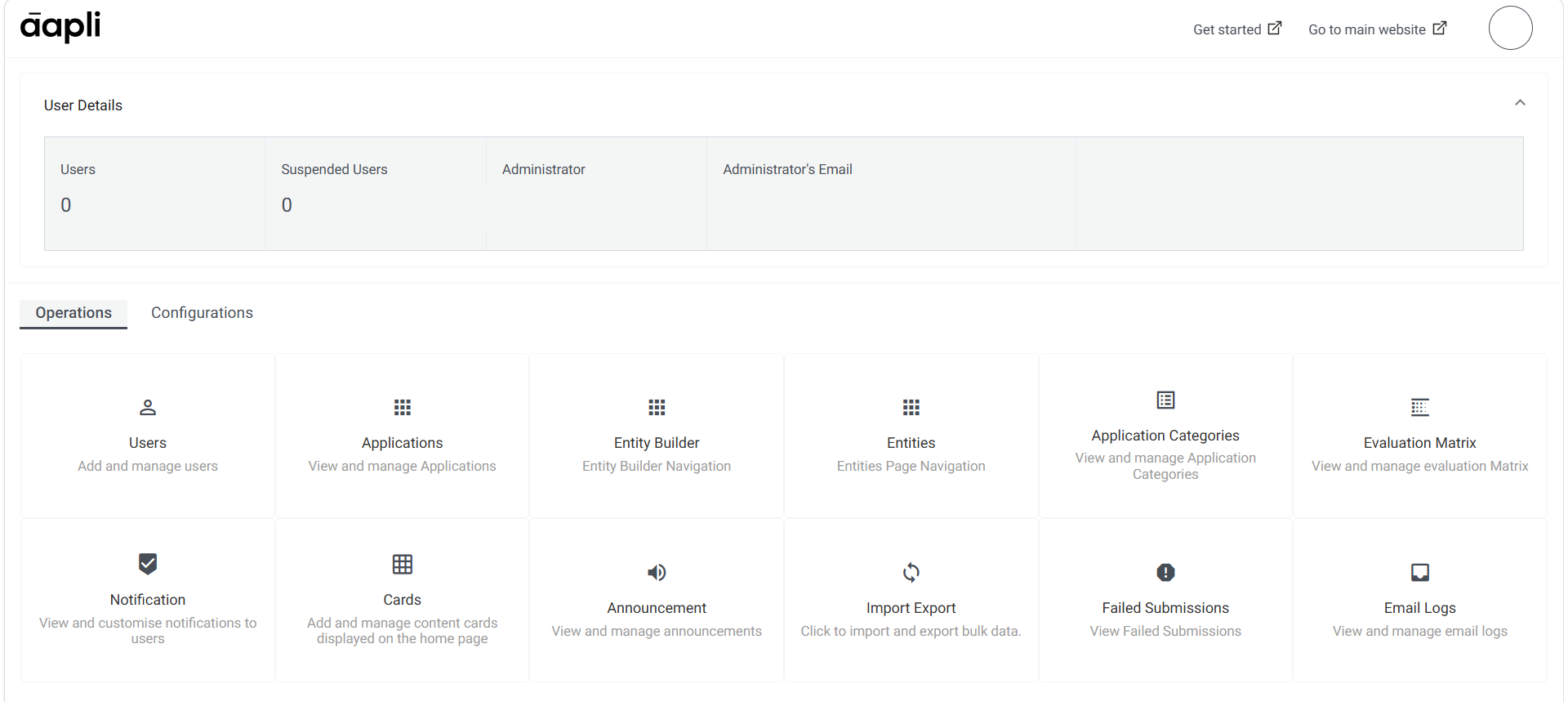
- User Details: The “User Details” option on the Aapli Home page offers a convenient overview of the users connected to the administrator.
- Get Started: This will direct you to the homepage of the Aapli documentation website.
- Go to Main Website: This option allows users to navigate to your Aapli website.
- Account: Clicking on the “Account” option provides users with the ability to sign out from the Aapli admin page.
- Operations and Configurations: The two tab groups that the home page is divided into. The Operations tab is opened by default, providing access to various widgets and functionalities related to day-to-day operations within Aapli.