How to Establish Relationships in an Entity
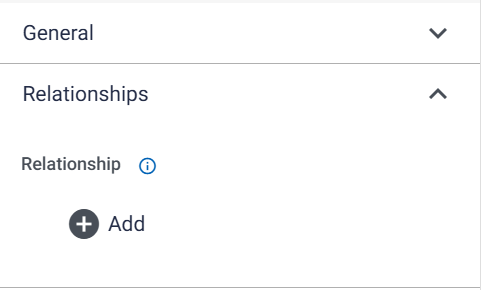
The Properties tab for a data type submitted to an Entity table is divided into two sections, the second of which is Relationships. To create a Relationship for a particular data field within an Entity, navigate to the Relationships section within Properties, and click on “Add”:
The following pop-up will be produced:
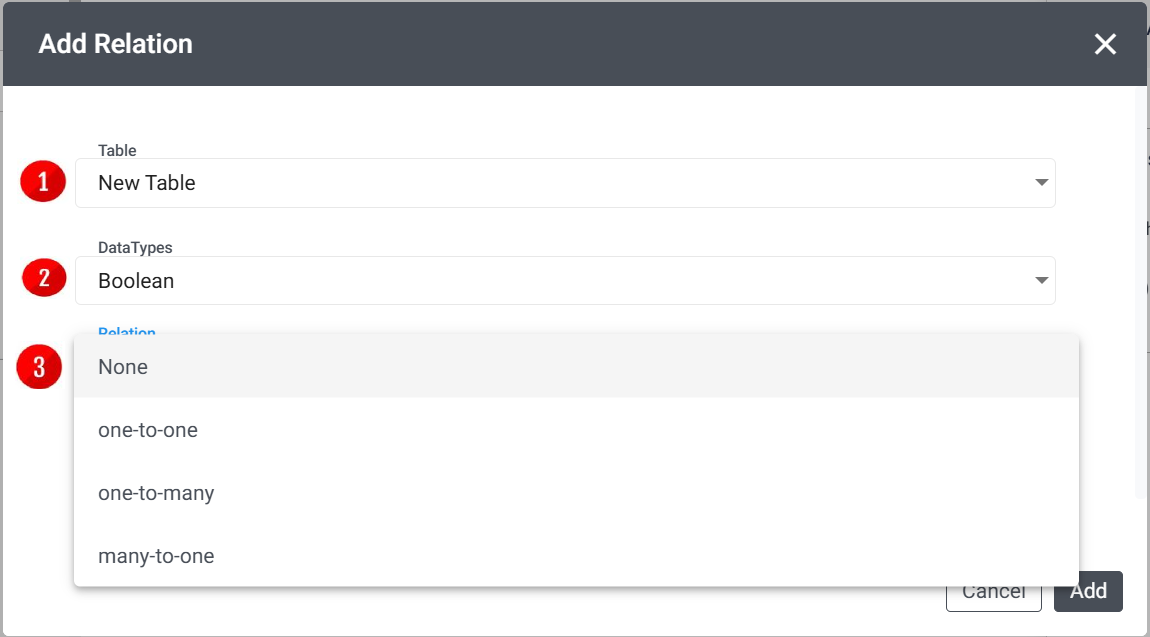
- Table: Only other tables within the current Entity will be available as options to create relationships with.
- Data Type: The field within the selected table with which a relationship should be created.
- Relationship: The type of relationship that should be created between the two tables:
- One-to-One - only one record per table must be connected to each other
- One-to-Many - one record in the current table can be connected to many records in the selected table i.e. the selected table refers to the current table
- Many-to-One - many records in the current table can be connected to one record in the selected table i.e. the current table refers to the selected table
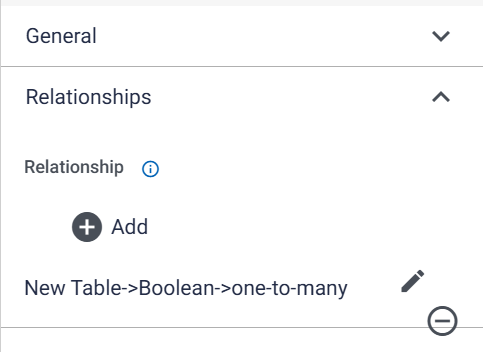
Once all these settings have been confirmed, select “Add”, and the relationship will appear in the Relationships tab. The user can then choose to either edit or delete the relationship from the tab as per their choice.